How to calculate standard deviation
Standard deviation measures how spread out your data is. Here is the five-step method, a full worked example, and the one choice (population vs sample) that trips most people up.
Get the standard deviation, variance and mean of a data set.
Standard deviation is one of the most useful numbers in statistics, and one of the most intimidating-looking. Strip away the Greek symbols and it answers a plain question: how spread out is my data? A small standard deviation means the values huddle close to the average; a large one means they are scattered. Here is how to calculate it by hand in five steps, a full worked example, and the single decision, population or sample, that causes most of the confusion. A free standard deviation calculator will check your working.
In short: find the mean, subtract it from each value and square the result, average those squared differences (that is the variance), then take the square root. The only twist is the divisor: use N for a whole population and n minus 1 for a sample.
What standard deviation tells you
Imagine two classes that both average 70 percent on a test. In the first, scores were 68, 70, 70, 72. In the second, they were 40, 60, 80, 100. Same average of 70, completely different stories, and standard deviation is the number that captures the difference. Run the method on each (population form): the first has a standard deviation of about 1.4, the second about 22.4. The first class is tightly clustered, the second widely spread, yet their means are identical. That gap is exactly what standard deviation measures, and it is why it is the standard way to capture consistency, risk and spread, from exam results to investment returns to manufacturing tolerances.
The five steps
Let us use a small data set: 2, 4, 4, 4, 5, 5, 7, 9 (eight values).
- Step 1: find the mean (average). Add them up and divide by how many there are. 2 + 4 + 4 + 4 + 5 + 5 + 7 + 9 = 40, and 40 divided by 8 = 5.
- Step 2: find each deviation from the mean. Subtract 5 from every value: -3, -1, -1, -1, 0, 0, 2, 4.
- Step 3: square each deviation. Squaring removes the minus signs so they do not cancel out: 9, 1, 1, 1, 0, 0, 4, 16.
- Step 4: find the variance (the average squared deviation). Add the squares: 9 + 1 + 1 + 1 + 0 + 0 + 4 + 16 = 32. Now divide, and this is where population and sample differ (see below). For the whole population, divide by 8: 32 / 8 = 4.
- Step 5: take the square root. The square root of the variance is the standard deviation. The square root of 4 is 2.
So the population standard deviation of this data is exactly 2. Think of it as a typical distance from the mean of 5, more precisely the root-mean-square distance. (The plain average distance is smaller, 1.5 here, because squaring gives the larger deviations like the 4 and the -3 extra weight before the square root pulls it back.) Variance and standard deviation are two views of the same thing: variance (4) is in squared units, and the square root brings it back to the original units (2), which is why standard deviation is the one people actually quote.
The standard deviation formula
The five steps above are exactly what the formula says, just in symbols. For a population: standard deviation = the square root of [ the sum of (each value minus the mean), squared, divided by N ]. For a sample, the only change is dividing by n minus 1 instead of N. Written compactly, with the Greek capital sigma meaning "add up":
- Population: sigma = sqrt( sum of (x - mean)squared / N )
- Sample: s = sqrt( sum of (x - mean)squared / (n - 1) )
If the symbols ever look scary, come back to the five steps: they are the formula, read left to right.
Population vs sample: the n minus 1 question
This is the part that trips everyone up, so it is worth getting straight. The only difference is what you divide by in step 4:
- Population standard deviation (symbol sigma): you have data for every member of the group you care about. Divide the sum of squares by N (the full count). In our example, 32 / 8 = 4, so sigma = 2.
- Sample standard deviation (symbol s): your data is only a sample drawn from a bigger population. Divide by n minus 1 instead. In our example, 32 / 7 = 4.571, so s = about 2.14.
Why the minus one? When you work from a sample, you measure each deviation from the sample's own mean, not from the unknown true mean of the population. The sample mean always sits as close to your data as possible, so those squared deviations come out slightly too small. Dividing by n minus 1 instead of n corrects for that and makes the sample variance an unbiased estimate of the population variance. It is also called "degrees of freedom": once the mean is fixed, only n minus 1 of the values are free to vary. This is known as Bessel's correction. The effect fades as the data grows, so with a thousand values the two answers are almost identical. The practical rule: if your data is the entire group, use N; if it is a sample standing in for a larger group, use n minus 1, which is the common real-world default.
The quick way: spreadsheets
By hand is great for understanding; for real data, a spreadsheet is faster and avoids slips. In both Excel and Google Sheets:
- =STDEV.P(range) gives the population standard deviation (divides by N).
- =STDEV.S(range) gives the sample standard deviation (divides by n minus 1).
Concretely: type the eight values into cells A1 to A8, then enter =STDEV.P(A1:A8) for 2, or =STDEV.S(A1:A8) for about 2.14. Older spreadsheets use STDEVP and STDEV, which behave the same way. Our calculator shows both at once, along with the mean and variance, so you can see each step rather than just the final figure.
Comparing spread: the coefficient of variation
A standard deviation on its own can mislead, because it depends on the size of the numbers. An SD of 2 is huge on a mean of 5 but tiny on a mean of 500. To compare spread across different scales, use the coefficient of variation (CV): the standard deviation divided by the mean. On our data, CV = 2.14 / 5 = 0.43, or about 43 percent, which is quite spread out. CV only makes sense when the mean is positive, so it does not work for things like temperatures in Celsius that can cross zero.
From standard deviation to z-scores
Once you know the mean and standard deviation, a z-score tells you how many standard deviations any single value sits from the mean: z = (value minus mean) divided by the standard deviation. For a test with a mean of 70 and an SD of 10, a score of 90 has z = (90 - 70) / 10 = 2, meaning it is two standard deviations above average, better than about 97.5 percent of results. This is how standard deviation turns into a percentile.
The 68-95-99.7 rule
Standard deviation becomes really powerful with data that follows a normal distribution (the classic bell curve). For such data, a handy rule of thumb says:
- About 68 percent of values fall within one standard deviation of the mean.
- About 95 percent fall within two.
- About 99.7 percent fall within three.
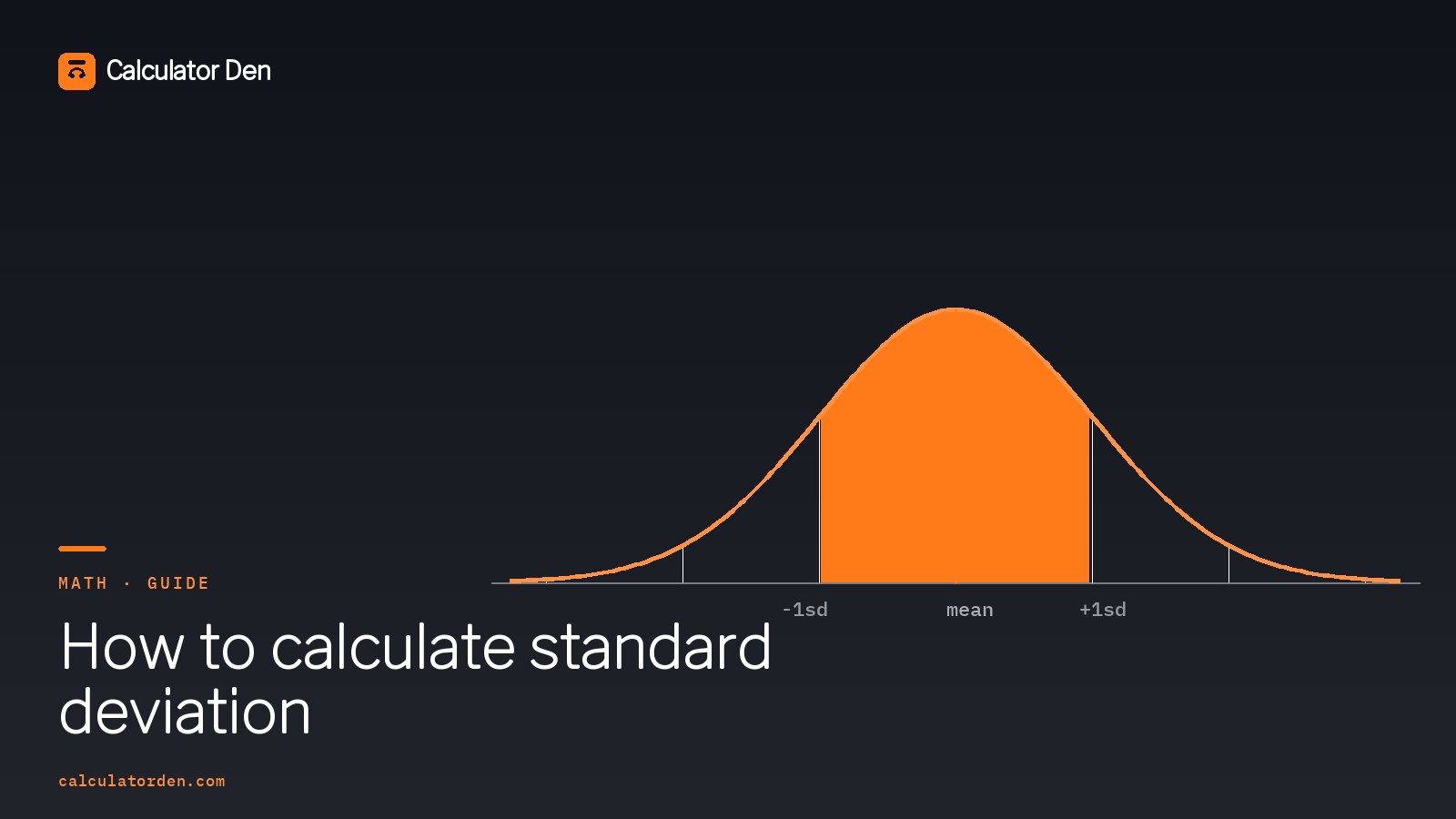
So if exam scores are normally distributed with a mean of 70 and a standard deviation of 10, roughly 95 percent of students scored between 50 and 90. (The exact figures are 68.3, 95.4 and 99.7 percent, and a clean 95 percent sits at 1.96 standard deviations, which is where the common "margin of error" comes from.) This "empirical rule" is why standard deviation is everywhere: it turns a single number into a map of where almost all your data lies. The bell-curve diagram on this page shows the shape. One caveat: it only holds for roughly normal data. For any data at all, Chebyshev's inequality still guarantees that at least 75 percent of values fall within two standard deviations of the mean.
Common mistakes to avoid
| Mistake | Do instead |
|---|---|
| Forgetting to square the deviations | Square them so negatives do not cancel to zero |
| Dividing a sample by N | Use n minus 1 for a sample (Bessel's correction) |
| Stopping at the variance | Take the square root to get the standard deviation |
| Mixing up STDEV.P and STDEV.S | P for a full population, S for a sample |
| Comparing spreads of different-sized values | Use the coefficient of variation (SD divided by mean) instead |
Once the mean makes sense, the rest follows naturally, since step 1 is just the average. If you want to brush up on that first step, the average calculator and our guide on working out percentages cover the groundwork.