How to calculate a weighted grade
When tests are worth more than quizzes, a plain average gives the wrong number. Here is the one formula that gives your real grade.
Find the score you need on your final exam to reach the grade you want.
Most courses do not treat every mark equally. Your final exam might be worth 40% of the grade while a quiz is worth 5%, so a brilliant quiz cannot rescue a poor exam. That is weighted grading, and working out your real standing means combining your scores by their weights, not just averaging them. Once you see the one formula behind it, it is quick to do for any syllabus.
What a weighted grade is
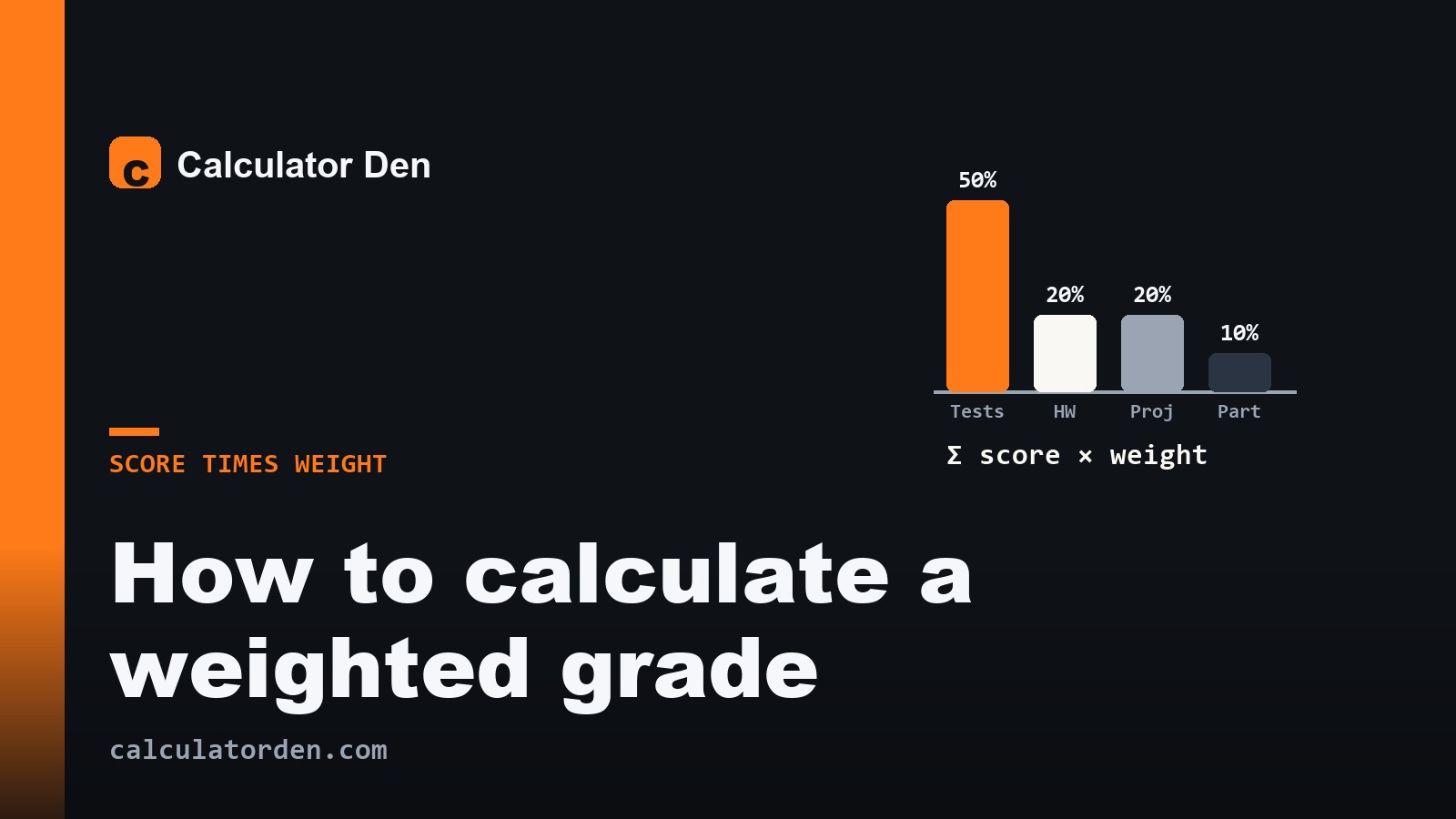
A weighted grade gives each part of your course a share of the final mark. The shares, called weights, are set by the syllabus and always add up to 100%. A typical split might be tests 50%, homework 20%, projects 20% and participation 10%. The weight is how much that category moves your final grade: at 50%, the tests matter five times as much as participation at 10%, whatever the raw scores are. A plain average ignores this and treats everything as equal, which is why it usually gives the wrong number.
The weighted grade formula
To find a weighted grade, turn each category into a percentage, multiply it by that category's weight, and add the results:
Weighted grade = (score₁ × weight₁) + (score₂ × weight₂) + ...
with the weights written as decimals (50% is 0.50). The scores must be percentages first: if your homework is 180 points out of 200, that category is 180 ÷ 200 = 90% before you weight it. Get each category to a percentage, weight it, and sum. Because the weights add up to 1, the total comes out as a percentage you can read straight off. If your category weights do not add up to 100%, divide your weighted total by the sum of the weights to correct for it, though that usually means you have missed a category.
Weighted grade worked example
Suppose your syllabus is tests 50%, homework 20%, projects 20% and participation 10%, and your category percentages so far are tests 82%, homework 95%, projects 88% and participation 100%. Weight each one and add:
(82 × 0.50) + (95 × 0.20) + (88 × 0.20) + (100 × 0.10)
= 41 + 19 + 17.6 + 10
= 87.6%
Laid out as a table, each category's contribution is its score times its weight, and the contributions sum to your grade:
| Category | Score | Weight | Contribution |
|---|---|---|---|
| Tests | 82% | 50% | 41.0 |
| Homework | 95% | 20% | 19.0 |
| Projects | 88% | 20% | 17.6 |
| Participation | 100% | 10% | 10.0 |
| Total | 100% | 87.6 |
Your weighted grade is 87.6%. Notice that strong homework and participation lifted a tests-heavy 82% by nearly six points, which is exactly what weighting is meant to capture. A plain average of the four numbers (82, 95, 88, 100) would give 91.25%, a figure your course does not actually use, because it ignores that tests carry half the grade.
Getting each category to a percentage
The step people rush is the first one: each category must be a percentage before it is weighted. If a category holds several items, total the points earned and divide by the points possible across all of them. Four tests worth 50 points each is 200 points possible; if you scored 164, that category is 164 ÷ 200 = 82%. Do that for every category, then apply the weights. Mixing raw points and percentages is the most common way a weighted-grade sum goes wrong.
What if a category has no marks yet?
Early in a term, some categories are empty, and you cannot score a category with nothing in it. Courses handle this one of two ways. Some leave the empty category out and rescale the remaining weights so they still add to 100%: drop a 20% projects category and the other weights (50%, 20%, 10%) are stretched proportionally to 62.5%, 25% and 12.5%. Others treat missing work as zero, which makes your current grade look far worse than it will end up. Check which your gradebook uses before you panic at an early number. Either way, a mid-term figure is your grade so far, not a projection of where you will finish.
Points-based grading is different
Not every course uses weighted categories. Some add up every point you earn and divide by every point available, so a 100-point final and a 10-point quiz simply contribute their raw points. This is points-based grading, and it behaves differently: a big assignment dominates because it is worth more points, not because a category weight says so. The quick way to tell which your course uses is to read the syllabus. If it lists percentages for categories, like tests 50% and homework 20%, it is weighted. If it lists point totals and says your grade is total points earned over total points possible, it is points-based, and a plain percentage of your points is your grade.
Setting it up in a spreadsheet
If you want to track your grade as the term goes on, a spreadsheet does the arithmetic for you. Give each category a row with two cells, the points you have earned and the points possible so far, and a third cell dividing one by the other for the category percentage. In a final column, multiply each category percentage by its weight as a decimal, then sum that column for your current weighted grade. In most spreadsheets a single formula does the last two steps at once: =SUMPRODUCT(percentages, weights) with the weights as decimals. As you enter new marks the grade updates itself, and you can see at a glance how much a strong or weak result in one category moves the whole.
Weighted grade vs what you need on the final
Calculating your current weighted grade answers "where do I stand now?". A different but related question is "what must I score on the final to reach the grade I want?", which works backwards from the same weights. If that is what you are after, our guide on what grade do I need on my final walks through it. The two go together: one tells you your position, the other tells you the target.
The bottom line
A weighted grade is each category's percentage multiplied by its weight, all added up, with the weights totalling 100%. Convert every category to a percentage first, weight them, and sum. Watch for empty categories that your gradebook may be scoring as zero, and remember a plain average is not your grade when the parts are weighted. To add it up for any syllabus in seconds, drop your categories and weights into our grade calculator, and if you also track a grade point average across courses, the GPA calculator handles that separate sum. If you are shaky on turning points into percentages, our explainer on how to work out a percentage covers the basics.
Frequently asked questions
How do I calculate a weighted grade?
Turn each category into a percentage, multiply it by that category's weight written as a decimal, and add the results. For tests 50%, homework 20%, projects 20% and participation 10% scoring 82, 95, 88 and 100: (82×0.5)+(95×0.2)+(88×0.2)+(100×0.1) = 87.6%.
What is the difference between a weighted grade and an average?
A plain average treats every category as equal. A weighted grade gives each category a share of the final mark set by the syllabus, so a 50% test category counts far more than 10% participation. When the parts are weighted, the plain average gives a number your course does not actually use.
Do the weights have to add up to 100%?
Yes. The weights are shares of the whole grade, so they always total 100% (or 1 as a decimal). If a category is dropped, many courses rescale the remaining weights so they still add to 100%, while others score the empty category as zero. If your weights do not sum to 100%, you have missed a category or misread the syllabus.
How do I find the percentage for a category with several assignments?
Total the points you earned across all items in that category and divide by the total points possible, then multiply by 100. Four tests worth 50 points each is 200 possible; scoring 164 gives 164 divided by 200, which is 82%. Do this before applying the category's weight.
Why does my grade look so low early in the term?
Some gradebooks score categories with no marks yet as zero, which drags your current grade down until that work is done. Others leave empty categories out and rescale the weights. Check which method your course uses before reading too much into an early figure.